
Birthday shout-out
Give your friend a surprise built from the stories and jokes your group knows by heart.
Your friendship has a beat
Turn two photos and the stories only you share into a playful best friends rap video. Add your names, an inside joke, and a favorite memory to put your friendship in the spotlight.
Upload a clear, front-facing photo for the best results
Two best friends, one playful rap battle, see how PhotoRapAI brings friendship to life
The moments that make you laugh years later often make the best material: the trip that went off plan, the nickname that stuck, or the friend who always claims to be on time.
Use those details as your brief. PhotoRapAI turns them into original lyrics, music, and vocals for a short video starring both friends.
Bring two portraits and a few friendship details. PhotoRapAI handles the lyrics, music, and video.
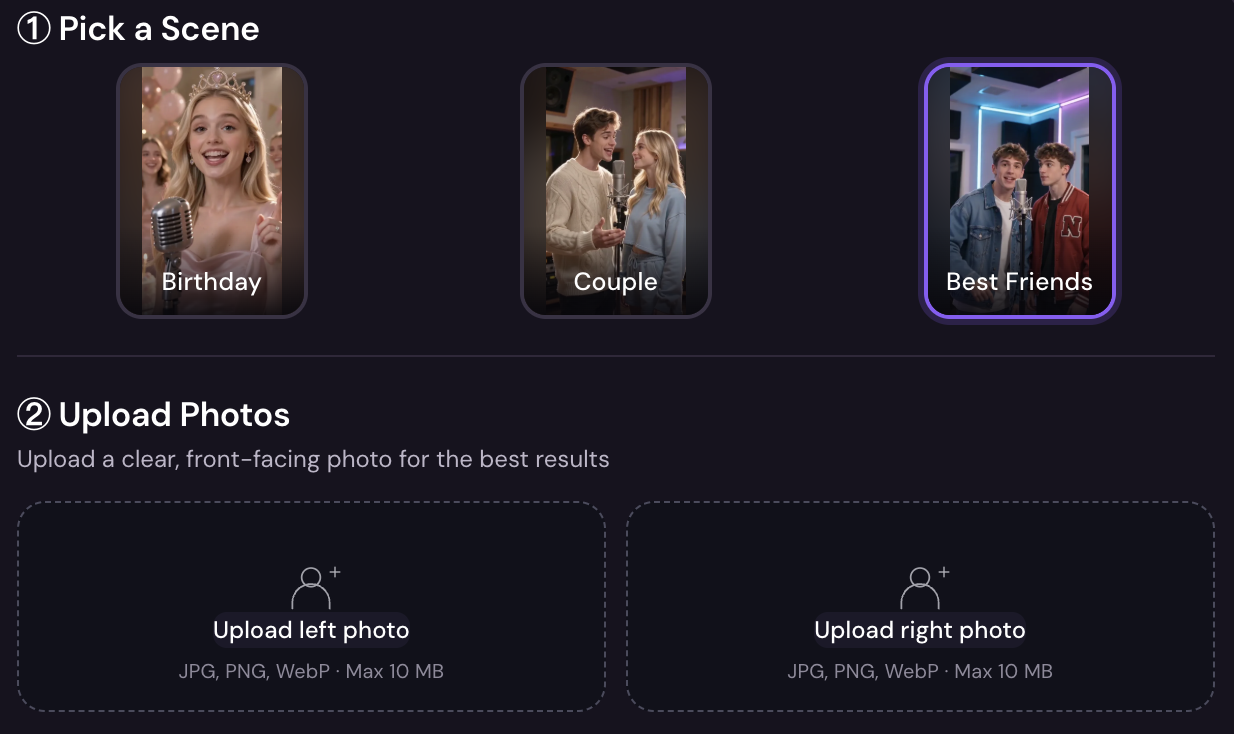
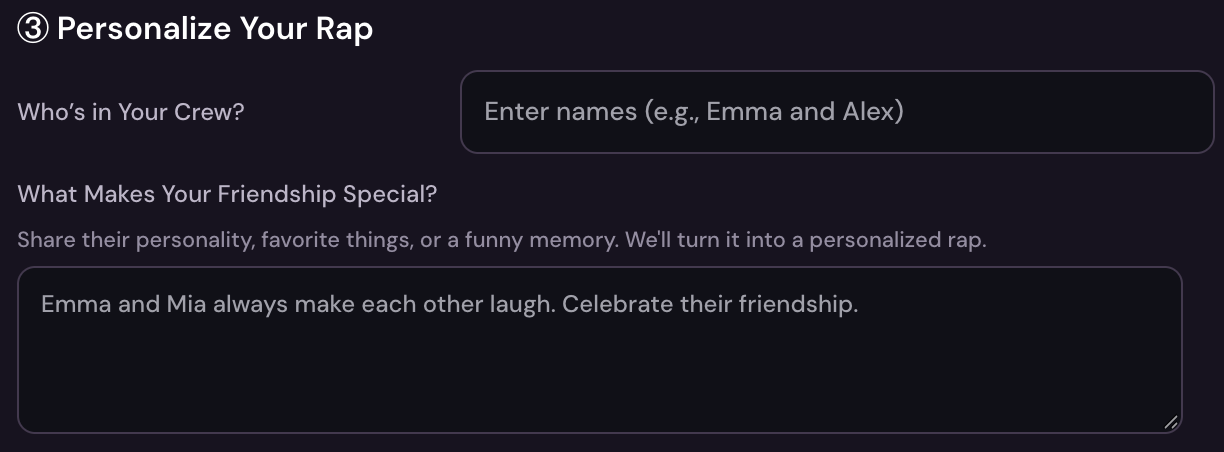
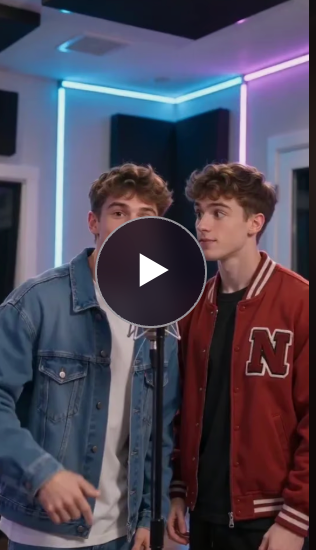
Start with both names and your shared history. Add one concrete memory and one detail about each friend, such as a habit, catchphrase, or harmless rivalry.
Keep the teasing kind. A few specific details give the rap more character than a long list of generic compliments.
A little shared history can turn an ordinary message into something worth replaying.
Give your friend a surprise built from the stories and jokes your group knows by heart.
Celebrate years of friendship, a reunion, or the day you met with a video starring both of you.
Drop a playful rap battle into the chat and let everyone recognize the references.
No. Upload one clear portrait of each friend. The Best Friends scene uses two separate photos, so you can make a video even if you do not have a recent photo together.
Add both names and a few details that make your friendship recognizable: a shared adventure, a running joke, or a habit you tease each other about. A short, specific description is enough; you do not need to write lyrics.
The Best Friends scene is designed as a playful rap battle between two friends. Keep your message light and mention the kind of humor you both enjoy so the result feels like a celebration of your friendship.
Yes. Include the birthday person's name and a favorite memory in your message. If you want a solo performance featuring just the birthday person, choose the Birthday scene instead.
Yes. Once the video is ready, download it to send in a group chat, share privately with your friend, or play at a celebration.
Two photos, a few real memories, and one playful rap video to share.
Create Our Friends RapNo editing skills needed